For indie Mac developers

Create localized App Store screenshots

ReleaseFrame is a local Mac app that generates App Store screenshot sets in every language you need, using your own AI provider and App Store Connect credentials.

Lifetime access for early users · AI usage not included · Local-first

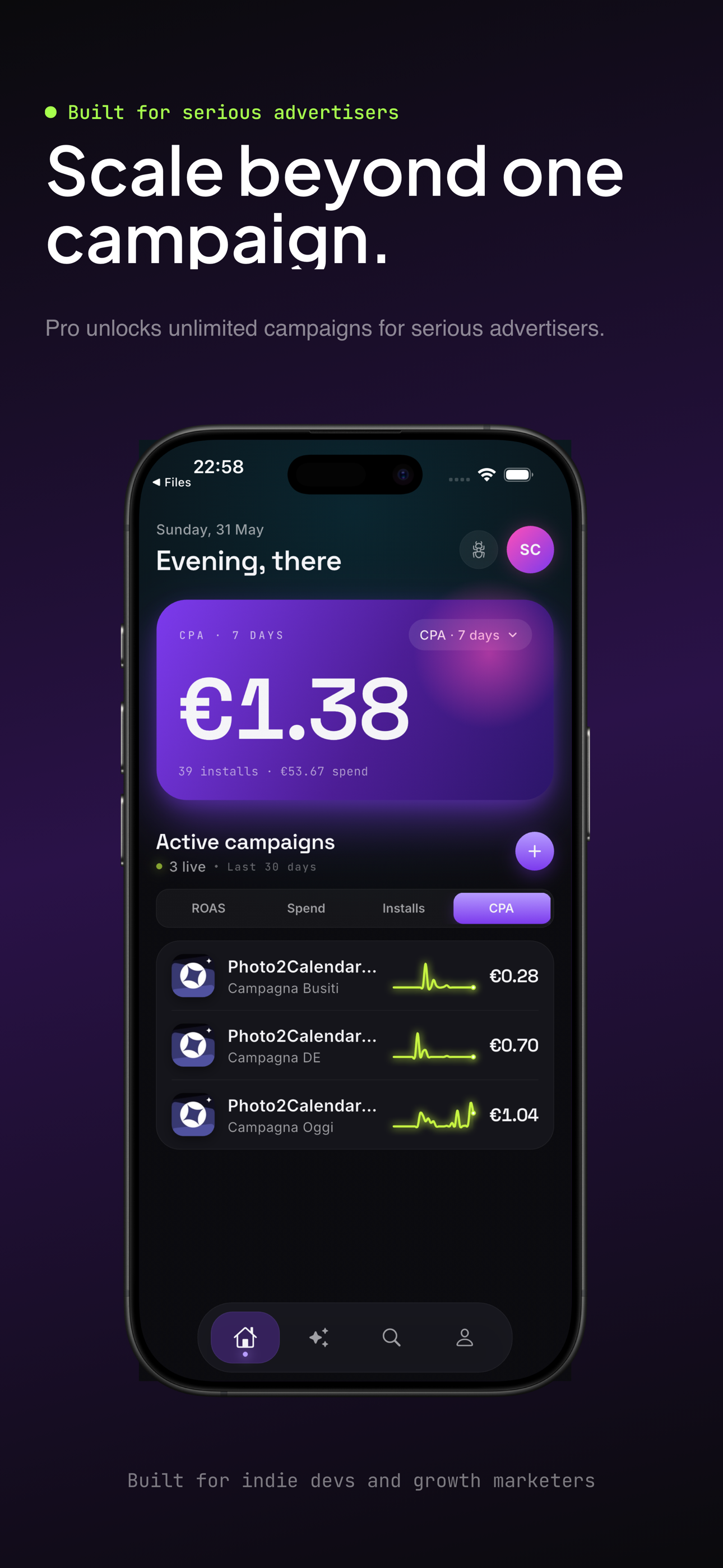
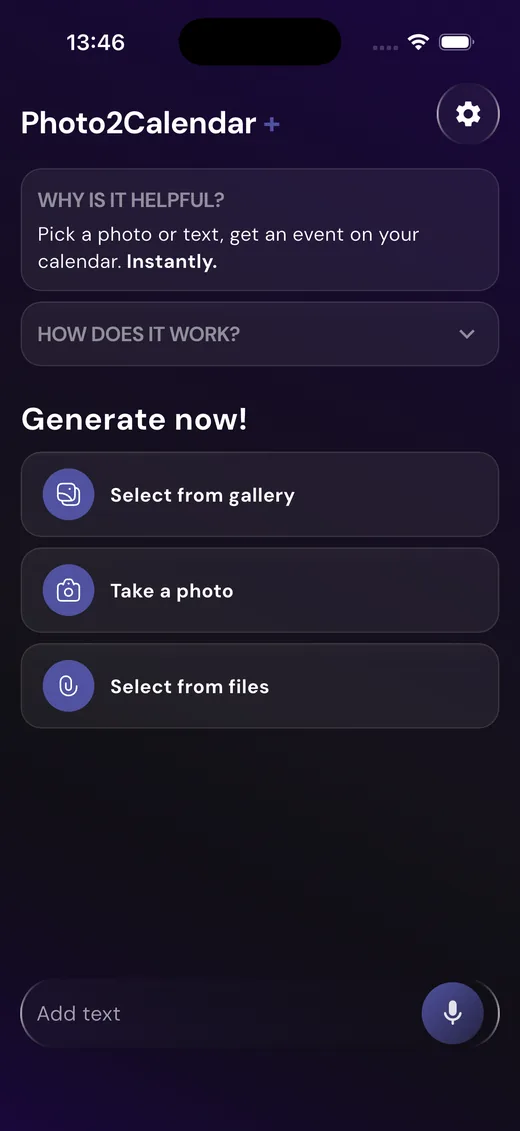
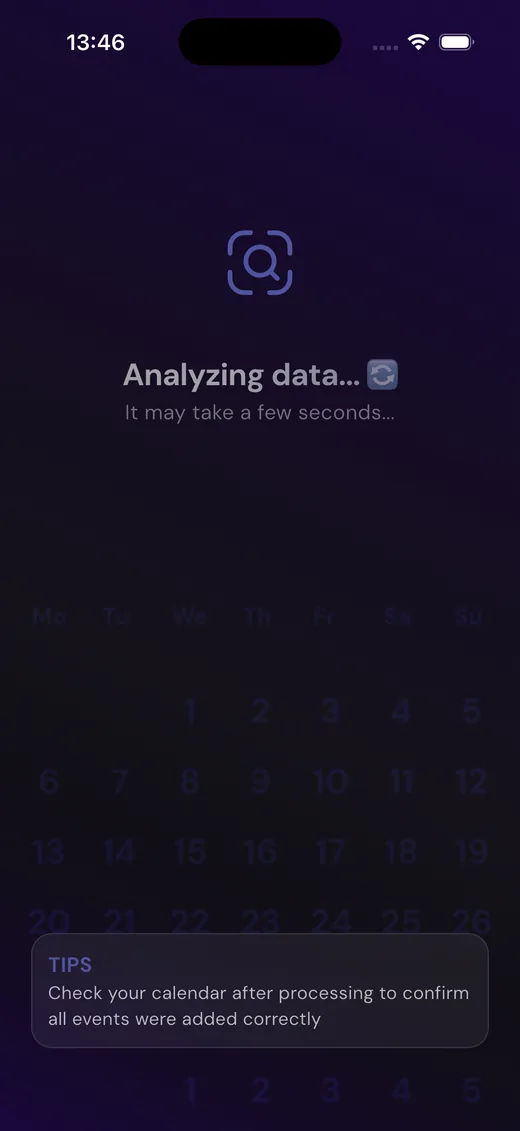
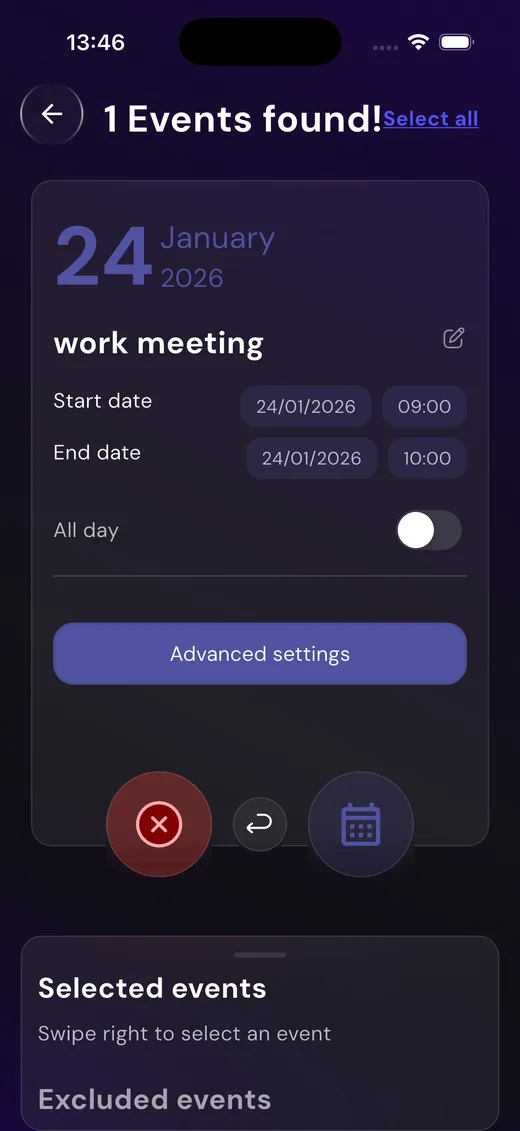
ReleaseFrame app — Photo2Calendar+ project with localized App Store screenshot slides

Built for indies shipping globally

A local workspace for creating, localizing, and shipping App Store screenshots.

ReleaseFrame gives you a local workspace for creating, localizing, reviewing, and uploading App Store screenshots — without handing your project files, credentials, or AI keys to another SaaS.

  • 01Everything stays on your Mac — files, keys, generations.
  • 02Works with Codex and Anthropic — bring your own AI keys.
  • 03Push directly to App Store Connect when you're ready.

Bring your own AI

Connect Codex
or Anthropic

Use your own AI setup. ReleaseFrame connects to the provider you already use, so you stay in control of your account, costs, prompts, and output quality.

No vendor lock-inKeys stay in KeychainPay your provider, not us
Settings · AI provider

Codex

OpenAI's flagship reasoning models. Best for high-fidelity copy and brand tone.

Connected·gpt-5.5

Anthropic

Claude family. Excellent at long-form translation and consistent voice across locales.

Not connected·sonnet-4.5

Localized at scale

Generate every
App Store screenshot set

Create complete screenshot sets for the App Store, localized in all the languages you choose. ReleaseFrame adapts copy, layout, and screenshot content while keeping your product presentation consistent.

  • 01Multiple languages in one click
  • 02Consistent visual system
  • 03Ready for App Store submission
🇬🇧English🇮🇹Italiano🇪🇸Español🇫🇷Français🇩🇪Deutsch🇯🇵日本語🇰🇷한국어🇨🇳中文🇵🇹Português🇳🇱Nederlands🇸🇦العربية🇷🇺Русский+ 30 more
App Store screenshot set localized in 8 languages

Localized at scale = ASO leverage

More languages.
More keywords.
More installs.

Every localized screenshot set ranks for a new set of keywords. Apple gives each storefront its own search index — translating your screenshots is one of the highest-leverage ASO moves you can make.

  • Rank in 175 storefronts, not just one
  • OCR'd text in screenshots is indexed by App Store search
  • Localized listings can lift conversion rate 2–5×

Estimated monthly downloads

+467%

Same app, scaled across more App Store storefronts.

1 language🇺🇸
1.2k
3 languages🇺🇸 🇪🇸 🇫🇷
2.4k
6 languages🇺🇸 🇪🇸 🇫🇷 🇩🇪 🇮🇹 🇯🇵
4.1k
12 languages🇺🇸 🇪🇸 🇫🇷 🇩🇪 🇮🇹 🇯🇵 🇰🇷 🇨🇳 🇵🇹 🇳🇱 🇸🇦 🇷🇺
6.8k

Illustrative · based on indie iOS ASO benchmarks

Ship faster

From idea to App Store, in an afternoon.

Three steps. No spreadsheets. No copy-pasting between Figma and Translate.

Step 01

Drop in your assets

Import the screenshots, app icon, and copy you already have. ReleaseFrame reads your Xcode project metadata so localization keys map automatically.

Step 02

Generate every locale

Pick the languages, pick the AI provider, click generate. You'll get a consistent visual system across every store, with copy adapted not just translated.

Step 03

Push to App Store Connect

Review side-by-side, edit any slide inline, then upload directly with your existing App Store Connect credentials. No manual zipping.

Local-first by design

Your projects, credentials, and AI keys stay on your Mac.

ReleaseFrame runs on your Mac. Your AI provider credentials, App Store Connect keys, project files, and generated screenshots stay under your control. The app does not include AI usage: you connect Codex or Anthropic with your own account.

AI requests are sent only to the provider you connect.

FAQ

Questions, answered.

01Is ReleaseFrame really local?+

Yes. The app runs on your Mac, your project files never leave it, and your AI / App Store Connect keys are stored in macOS Keychain. We don't run a server that sees your work.

02Which AI providers are supported?+

OpenAI Codex (GPT-5 / GPT-4.1) and Anthropic (Claude Sonnet / Opus). Bring your own key — no AI usage is bundled.

03How many languages can I localize to?+

All App Store storefronts. Pick from 30+ presets or define your own locale list.

04What about pricing?+

ReleaseFrame will launch with a hard paywall. Users who join the waitlist before launch get lifetime access for free.

05Can I edit a generated screenshot?+

Yes. Every slide is editable inline — copy, layout, and screenshot content. No round-trips through Figma.

06Does it upload to App Store Connect?+

Yes. ReleaseFrame can push generated screenshots through the App Store Connect API using your own credentials.

Get on the waitlist

Stop translating screenshots by hand.

Join early users getting lifetime access at launch.

Lifetime access for early users · AI usage not included · Local-first